AI
How We Gave AI Safe Access to Promo Core with MCP
October 28, 2026
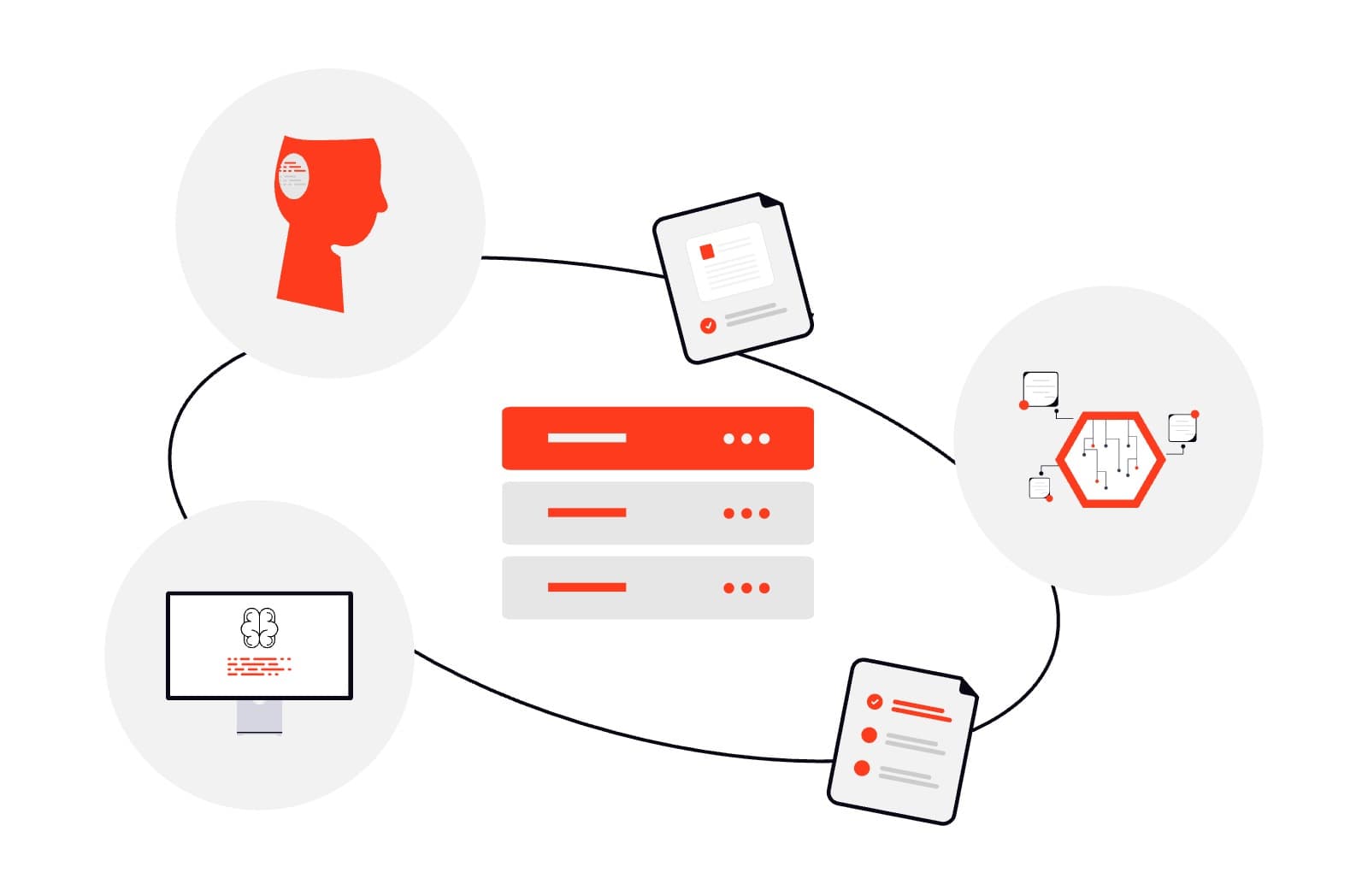
Owners of websites built on Promo Core can now manage their content simply by chatting with an AI assistant such as Claude, ChatGPT or Cursor. There's no need to click through dashboard pages, and the AI never gets more access than the person who connected it.
This article expands on my recent talk about MCP. In it, I explain what MCP is, why we decided to build it into Promo Core, how it works for the admin and behind the scenes in the backend, and how we keep it secure at every step.
What MCP is
MCP (Model Context Protocol) is an open standard that lets AI apps use outside systems as tools. Anthropic introduced it in November 2024, and it quickly became an industry standard. Any AI tool that supports MCP can connect to it: the main ones are Claude, ChatGPT, Cursor and VS Code, alongside others such as GitHub Copilot, Gemini CLI and Windsurf.
On its own, an AI model can only write text. It can draft an article for you, but you still have to copy it into the dashboard yourself. MCP lets the AI take real actions instead, like creating that article as a draft in our CMS.
💡 "USB-C for AI". Before MCP, every AI app had its own plugin system, so each tool had to be integrated separately with each app. With a shared standard, we write one server and it works in every app that supports MCP.
The three players
| Player | Examples | Role |
|---|---|---|
| The model | Claude's or ChatGPT's "brain" | Reads the user's request and decides what to do. It can't make network calls itself. |
| The AI app (MCP client) | Claude, ChatGPT, Cursor or any MCP-compatible tool | Makes the actual calls to our server for the model. |
| Our MCP server | Promo Core backend | Publishes a list of tools and runs them when asked. |
Each tool has a name (like create_article), a plain-English description, and the inputs it expects. The model never sees our code. It only reads those descriptions and picks the right tool, so writing good descriptions is a big part of the work.
MCP is used well beyond CMSs: developers connect it to repositories and CI, companies connect it to Jira, Slack and Notion, and support teams use it to fetch tickets and draft replies. Our use case is content management.
Why we built it into Promo Core
We gave our CMS a new interface, not a new backend. Four reasons drove it:
- Faster content work. Admins describe what they want in plain language ("add a FAQ about delivery times in English and Arabic") instead of filling in forms field by field.
- Same data. The AI goes through the same NestJS services as the dashboard, so there is no second system to maintain and nothing gets out of sync.
- Same permissions. The AI acts as the admin who connected it, never as a super-user. It can only do what that admin can do in the dashboard.
- Every client gets it. Promo Core is a white-label starter that we copy for each client, so every new client project ships with an AI-ready CMS out of the box.
How it works for the admin
Connecting takes about a minute and happens once. After that, the admin just talks to the AI.
- Connect. The admin adds a new connector in Claude or ChatGPT and pastes our MCP URL. The dashboard's Connectors page shows that URL, with a step-by-step guide for Claude, ChatGPT and Cursor. When Claude first tries the server, our backend answers "not authorized" and tells it where to log in.
- Consent. Claude opens our dashboard's consent page. The admin logs in with their normal Promo Core account, sees which app is asking for access, and clicks Approve. It is the familiar "Sign in with…" pattern (the standard behind it is OAuth), so the admin never gives their password to Claude or ChatGPT.
- Token. Our backend gives the AI app a special MCP token. Think of it as a hotel key card: it only opens the
/mcpdoor, it can't be used to log in to the dashboard, and it expires and refreshes on its own. - Tools. From now on, on every message, the AI app asks our server for the list of tools this admin may use. The model picks one, fills in its inputs and sends the request with the token. Our backend checks it and runs it, and the AI tells the admin what it did.
In practice
| The admin types | The AI calls |
|---|---|
| "List draft articles" | list_articles |
| "Create a FAQ about pricing" | create_faq |
| "Upload this image to media" | upload_media |
| "Show submissions for form 7" | list_form_submissions |
| "Publish project #12" | publish_project |
| "Update the About page title" | update_page |
✅ The admin never needs to know these tool names. New content is created as a draft by default, so a person still reviews it before it goes live. Publishing is always a separate, explicit step.
Under the hood: the backend
The MCP layer is a new door into our existing NestJS backend, not a second backend. The dashboard and the AI end up calling the same service methods, with the same validation and the same permission checks. What differs is the entrance (/api/admin/... with a dashboard token, or /mcp with an MCP token) and who decides what to call: a person clicking buttons, or the model reading the tool list.
Two doors, one backend
| Path | Flow |
|---|---|
| Dashboard | Admin clicks Save → /api/admin/... with a dashboard token → validation and permission check |
| AI | Claude, ChatGPT or Cursor → POST /mcp with an MCP token, checked by McpAuthGuard → createMcpServer(userId) with only the tools this role allows → validation and permission check |
| Shared | Existing NestJS services (such as articleService.create()) → Prisma → PostgreSQL |
The only extra step on the AI side is building a per-admin MCP server. From the permission check down, both paths run the same code.
The life of one tool call
POST /mcp— Everything goes through a single endpoint, built with the official MCP TypeScript SDK and its Streamable HTTP transport. A tool call is an ordinary HTTP POST with a JSON-RPC body.McpAuthGuard— A dedicated Passport strategy verifies the token. Its audience must be our MCP URL, its scope must includemcp, and itsmcpTokenVersionmust match the user's current value in the database.createMcpServer(userId)— We build a fresh MCP server for this admin and register only the tools their role allows. If they have no delete permission, the delete tools are never registered, so the AI doesn't know they exist.- Tool handler — The input is validated twice: against a Zod schema (which is also the input format the AI sees) and against the same class-validator DTO the admin controller uses. Then
permissionService.assert()checks the specific permission, such asCREATE_ARTICLE. - The existing service — The handler calls the same method the dashboard uses, for example
articleService.create(), which writes to PostgreSQL through Prisma.
Why a new server for every request
This was the most common question after the talk. There are three reasons:
- The tool list is personal. An MCP server holds one tool list. A shared server would show every admin the same tools, including ones they aren't allowed to use. Each tool handler also keeps the
userIdit was built with, so nothing can leak between users. - The SDK requires it in stateless mode. We run the transport without sessions (
sessionIdGenerator: undefined). In that mode the SDK expects a new server per request, because two clients can send the same JSON-RPC message ID at the same time and would collide on a shared server. - Stateless is what we want anyway. Any backend instance can answer any request, so we can scale without sticky sessions. Permission changes apply on the very next request. Server and transport are closed when the response ends, so nothing builds up in memory.
Building the server is cheap: registering tools only creates objects in memory. The real cost is a few database lookups for permissions, which is fine at today's AI traffic levels.
200+ tools from one config per module
We didn't hand-write every tool. Each content module is described by one config object, and a generic registrar turns it into up to seven tools: list, get, create, update, publish, unpublish and delete.
{
  resource: 'article',
  permissions: { view, create, update, delete },
  service: articleService,
  createSchema, updateSchema,
  publishField: 'published',
}| Source | Count | Covers |
|---|---|---|
| Generated from config | 26 modules → up to 174 tools | list / get / create / update / publish / unpublish / delete |
| Hand-written | ~90 tools | Media upload, form versions, email templates, push notifications, roles and admins, settings, import/export jobs |
Adding a new content module to MCP is mostly a matter of adding its config entry and schemas.
Security
The AI gets exactly the access the admin gives it, and the admin can take it back at any time. Four guarantees make that true:
| Guarantee | What it means | How it's enforced |
|---|---|---|
| Consent required | No AI can connect until an admin logs in and approves it | OAuth 2.1 with PKCE (S256 only), plus an allowlist of redirect URLs |
| Separate MCP token | A dashboard token can't reach /mcp, and an MCP token can't call the dashboard API | MCP tokens carry their own audience, an mcp scope and their own version counter |
| Role permissions apply | If your role can't create articles in the dashboard, the AI can't either | Every tool checks its permission before running; tools you can't use aren't registered |
| Easy to revoke | One click disconnects every AI client without logging the admin out of the dashboard | Revoking increments mcpTokenVersion, which invalidates all existing MCP tokens for that admin |
🛡️ We also seed an AI Editor role with view, create and update permissions on content but no delete permissions. Giving an AI connection this role means it can draft and edit but cannot destroy anything. Tools that do delete are marked as destructive, so AI apps can ask the user to confirm before calling them. Tool calls are logged with the tool name and the user ID.
How we protect the database
The AI never touches the database directly. It can only call the same functions our own UI calls, and every call passes through the same layers as a dashboard request:
- Zod validation checks the shape and types of the arguments before anything runs.
- The permission check confirms the admin's role allows this action.
- Our NestJS services apply the same business rules as the dashboard.
- Prisma talks to PostgreSQL using parameterized queries only.
The MCP layer contains no raw SQL at all, so there is no query string for SQL injection to target. It also contains no business logic of its own. When someone fixes a bug or adds a rule in a service, the dashboard and the AI both get the change automatically.
Lessons from building it
A few practical lessons that will help anyone building their own MCP server.
- Tool descriptions are prompts. The model chooses tools only from their names and descriptions, so we write them for the model. For example, a description can say "call
list_optionsfirst to get valid category types". Then the AI looks up valid values itself instead of guessing. - Keep responses small. Everything a tool returns goes into the AI's limited working memory (its context window). List tools return compact results, and every response is capped at about 12,000 characters.
- Return readable errors. When validation or a permission check fails, the AI gets a clear message instead of a crash. Most of the time it fixes its input and tries again on its own.
- Draft first, publish explicitly. Creating content as a draft keeps a person in the loop before anything goes live.
- Reuse the service layer. The biggest decision was not to write any database or business logic in the MCP layer. It kept the feature small, and it can't drift out of sync with the dashboard.
Possible next steps
- Load permissions once per request. Today each permission check reloads the user from the database. Caching the permission list for the length of a request would remove most of those lookups if AI traffic grows.
- Make AI Editor the default for connectors. Encouraging admins to connect AI with a dedicated, delete-free account would make the safe setup the easy one.
Takeaway
MCP is a safe bridge between AI and our CMS. The AI works as the admin who connected it, with that admin's consent and permissions, and access can be revoked at any time. It isn't a second CMS: it uses the same services and follows the same rules.
To try it, open the Connectors page in the Promo Core dashboard and follow the guide for your AI tool. We provide step-by-step guides for Claude, ChatGPT and Cursor, and any other MCP-compatible tool works the same way. As always, I'd love to hear your questions and ideas.
🤖 Fun fact: this very article was added to our website through MCP, using the same tools described above.
Learn more about Promo Core: sheenvalue.com/en/products/promo-core
Written by Eng. Hamza Kallajo